
People treat the model like the product.
They ask which name is “best.” They paste a paragraph. They do not name the artifact. Then they compare two pictures that were never the same job.
AskGL is the opposite order. The first word is the command. The @promptha token is optional. Pick it when the route changes the outcome. Leave it out when it does not.
The conversation after this essay is one shoe, twice. Quick, then a more careful route, attached with @out:. Same object. Different care. Not a bake-off of brands.
Command first
If the file is a landing still, /image. If it has to move, /video. If it is a mark, /logo. A better route will not rescue the wrong command. That is What AskGL is, and it is still true when the model list looks exciting.
Design an unbranded teal running shoe hero image on a warm orange sculptural set with accurate materials, crisp studio light, and no readable text or logos.
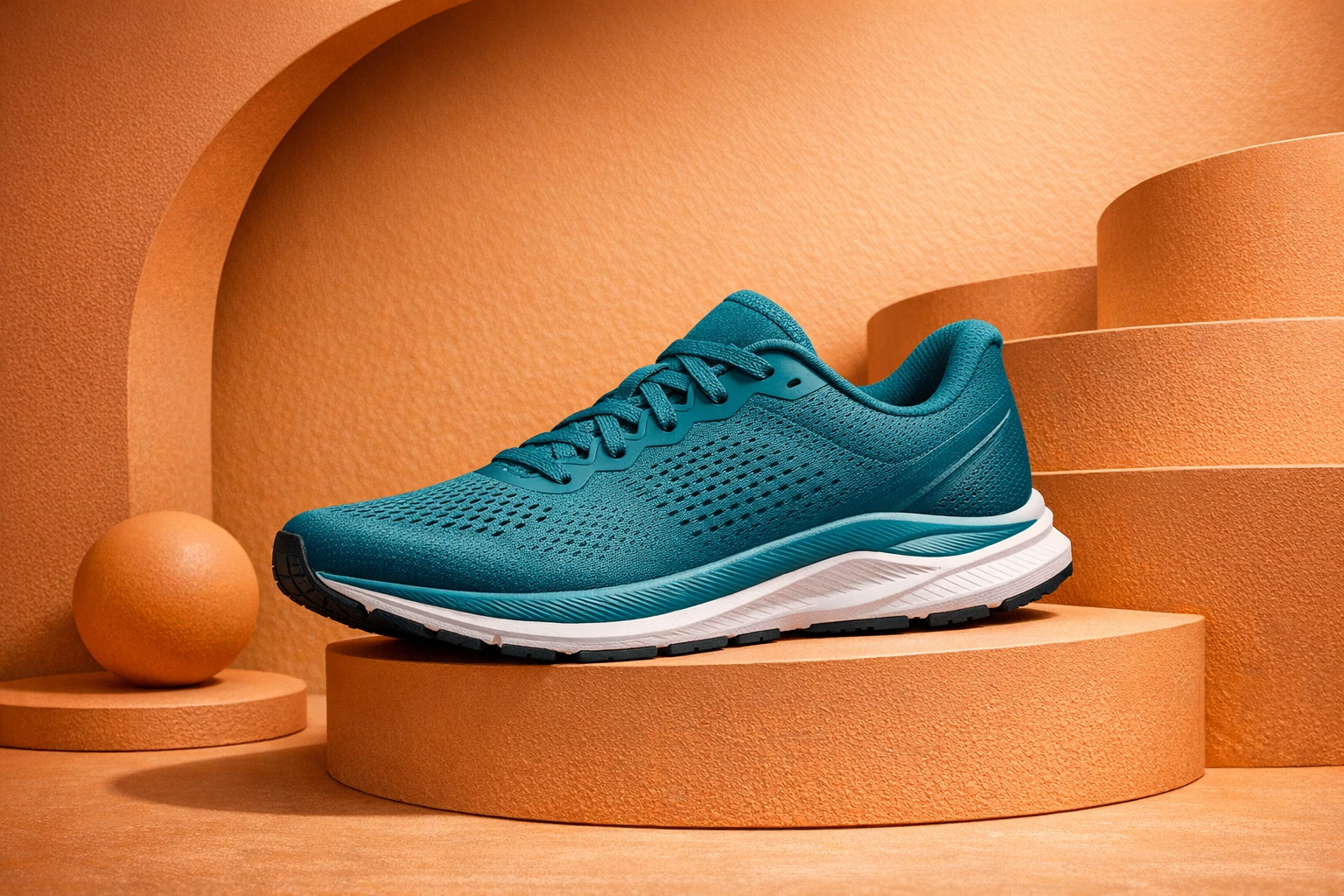
@promptha.gpt-image-1.5 is a public alias. It is a quick image route on that family. You can omit it. The request still works. Promptha chooses.
School for this order is AskGL models. Browse the live list at /models when you need the directory. This essay is how to decide whether to type the token at all.
When the token earns its place
Name a route when one of these is true:
Speed. You are exploring. You want a draft of the set, not the final materials. Quick is enough. Quick, standard, and pro is the longer split.
Care. The face, the product, or the night has to survive a second pass. Attach the accepted file. Step up the route.
Same accepted shoe, same set, higher care. No readable text or logos.
@out:shoe-quick is the previous result. You are not rolling a new object. You are asking for more care on the one you kept.
Motion. /video is a different capability. Image routes do not play. Video routes do. That is How to ask for video without getting a still.
A mark that has to stay paths. /logo and /icon want a vector-capable route, not a photograph of a wrench. /vector vs /icon vs /logo.
If none of those are true, skip the token. A request that is already honest does not get more honest because you named a celebrity model.
What not to compare
Do not write a public bake-off of vendors. Do not name the transport. Do not paste internal ids. Public Asks use @promptha.* so a saved Query does not break when the pipes move.
Do not compare a shoe on /image to a clip on /video and call it a model test. You compared commands.
Do not compare a baked flyer to a reserved flyer and blame the route. You compared whether the words were allowed to stay words.
The useful comparison is the same request, same @out:, one clause changed: quick to pro, still to motion, mark to pictogram.
Leave it out more often than you think
Teams waste a week picking a favorite name. The work was always the artifact. The facts. The reserved field. The accepted still.
Use the directory when you already know the command and you have a reason. Use a Query when a route already worked — browse Queries instead of retyping folklore.
The map of commands is the command list. The editor handoff is What the Design Editor is for.
Then open Ask. Name the artifact. Add @promptha only when the route is the next decision. That is how a model stays a tool.
Frequently asked questions
Do I have to name a model?
No. Name a @promptha route when the speed or care matters. Leave it out when you want Promptha to choose.
Can I write a vendor name in the prompt?
No. Public Asks use @promptha.* aliases. The transport is internal and is not AskGL syntax.
Should I change the model or the command first?
The command. A better route will not turn a still into a clip, or a hero into a logo.
