
Friday, 3:40 p.m. The drop is Monday. Someone on the thread writes “can we get a hero?” and pastes a paragraph of adjectives.
That is how most AI work starts. It is also how it dies. You get a conversation about a shoe. Or a poster of a shoe. Or a shoe wearing a logo nobody approved. The meeting moves on. You still do not have a file.
AskGL is the opposite of that afternoon. The first word is the artifact. Then you say what must stay true. Promptha returns that shape of work — a picture, a set, a poster, a document — so you can keep it, edit it, or hand it to the next person.
The picture at the top is the result: one shoe, one set, one still. The AskGL lines in this essay are the same request you would type. They are the language of the job, not a live generation.
Name the thing. Then describe it. Adjectives cannot rescue the wrong artifact.
The drop needs one honest picture
A hero is one object, one set, one still. Not a campaign. Not a storyboard. Not a caption.
Design an unbranded teal running shoe hero image on a warm orange sculptural set with accurate materials, crisp studio light, and no readable text or logos.
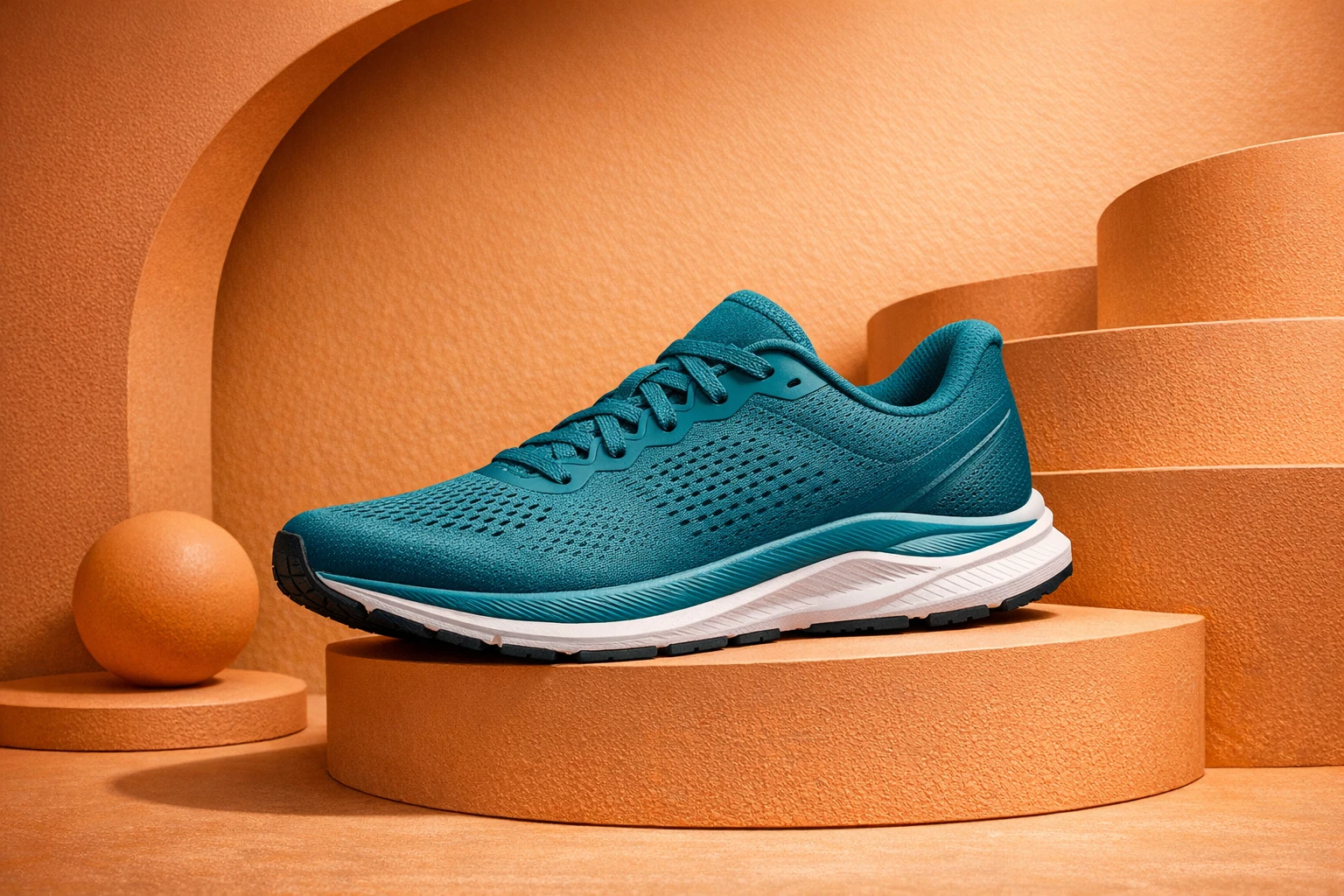
/image is the contract. @promptha.gpt-image-1.5 is optional — use it when the route matters. $aspect:3:2 keeps the frame honest. The sentence does the rest: teal, sculptural set, no readable text, no logos. The brand mark, if there is one, belongs later, in type you can still change.
You could strip the model and the parameters and still be speaking AskGL:
Design an unbranded teal running shoe hero image on a warm sculptural set, with no readable text or logos.
The command still names the job. The sentence still supplies the facts. That is enough to leave the chat and enter the work.
Then marketing wants a world
An hour later the brief grows. They do not want another shoe. They want four frames that feel like one book: a child, a moth, a garden that does not change clothes between panels.
That is not a second /image. One pretty frame would not finish the request. The number is part of the job.
Build four consistent moon-garden story scenes with the same child, moth guide, palette, and environment, with no readable text or logos.
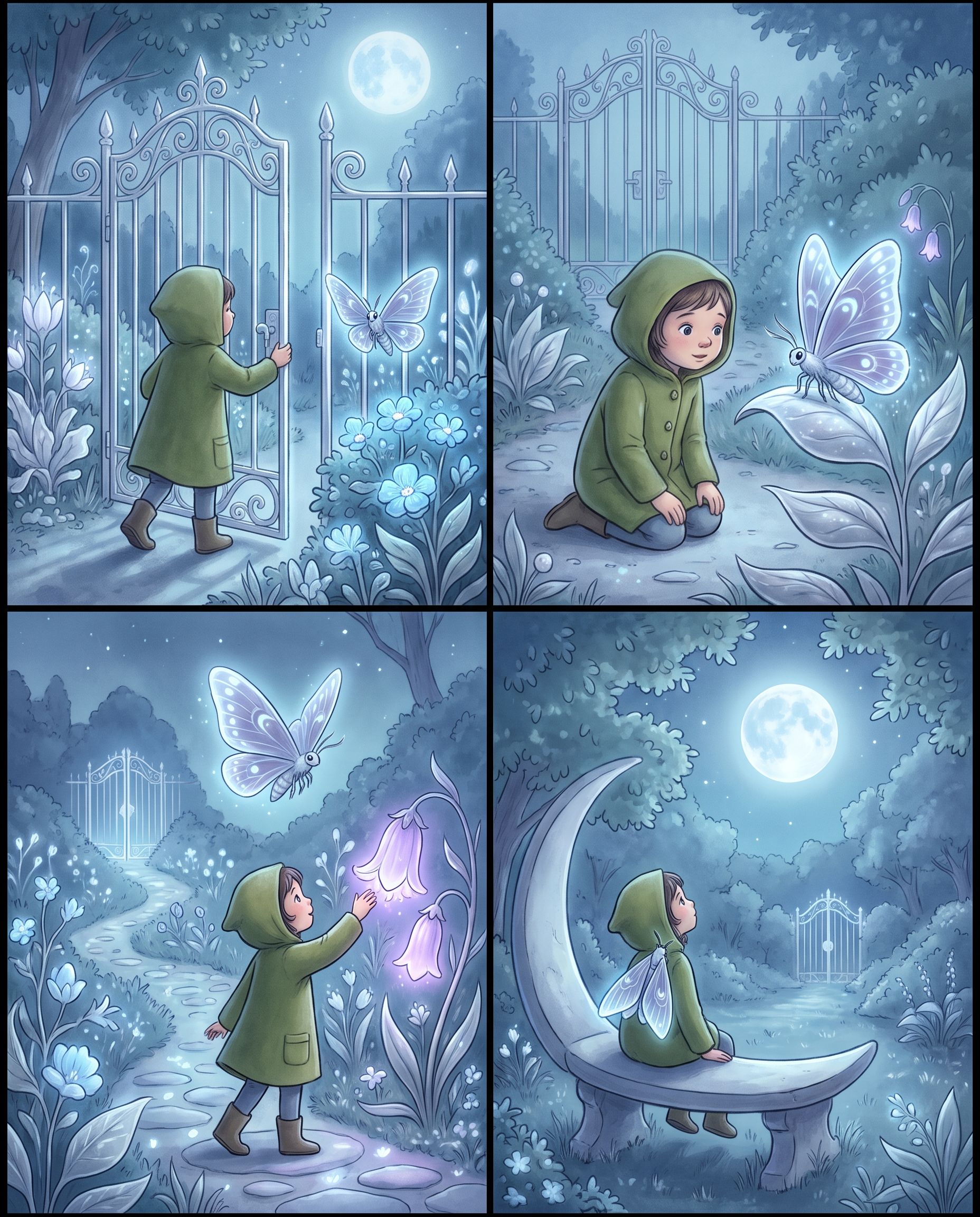
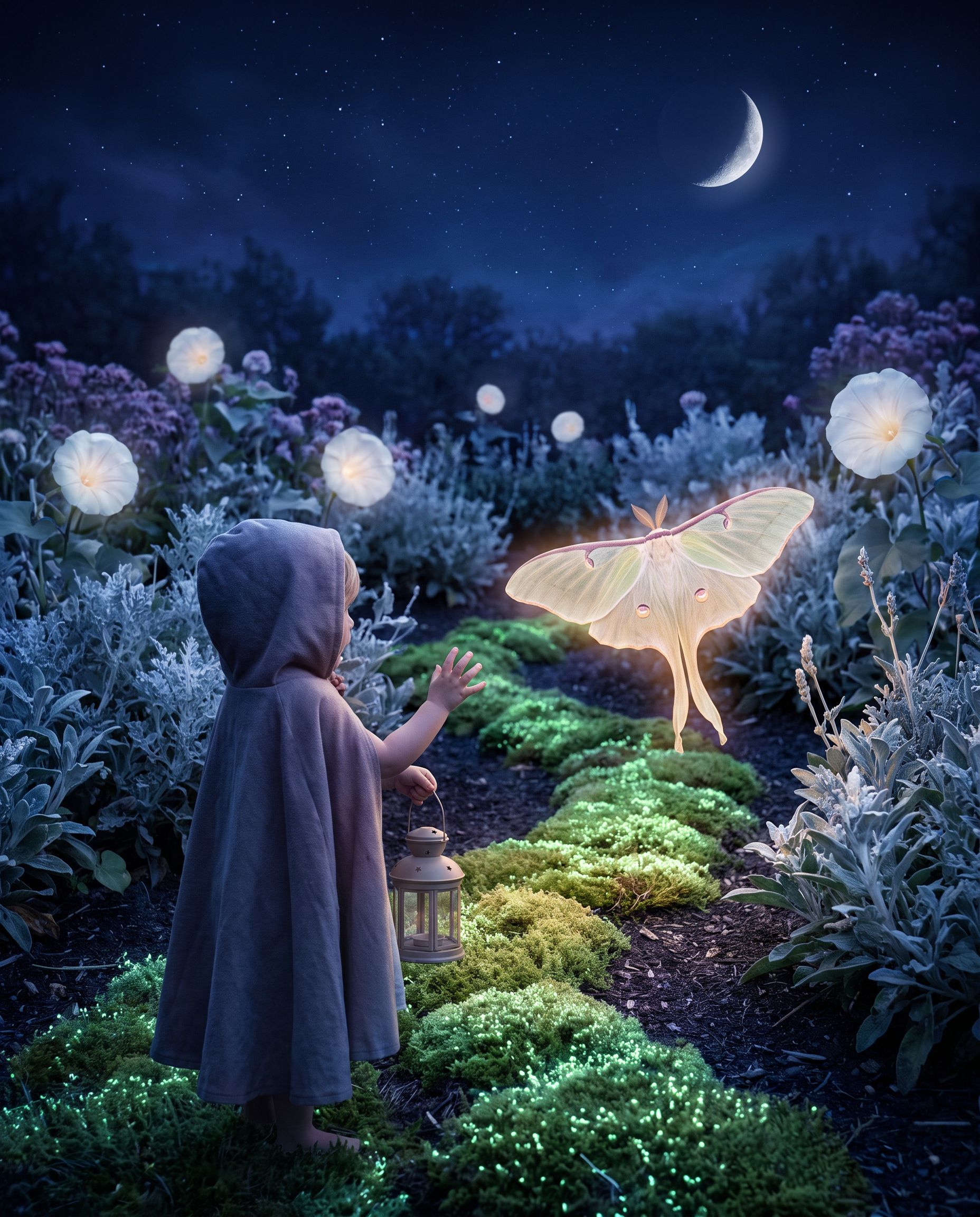
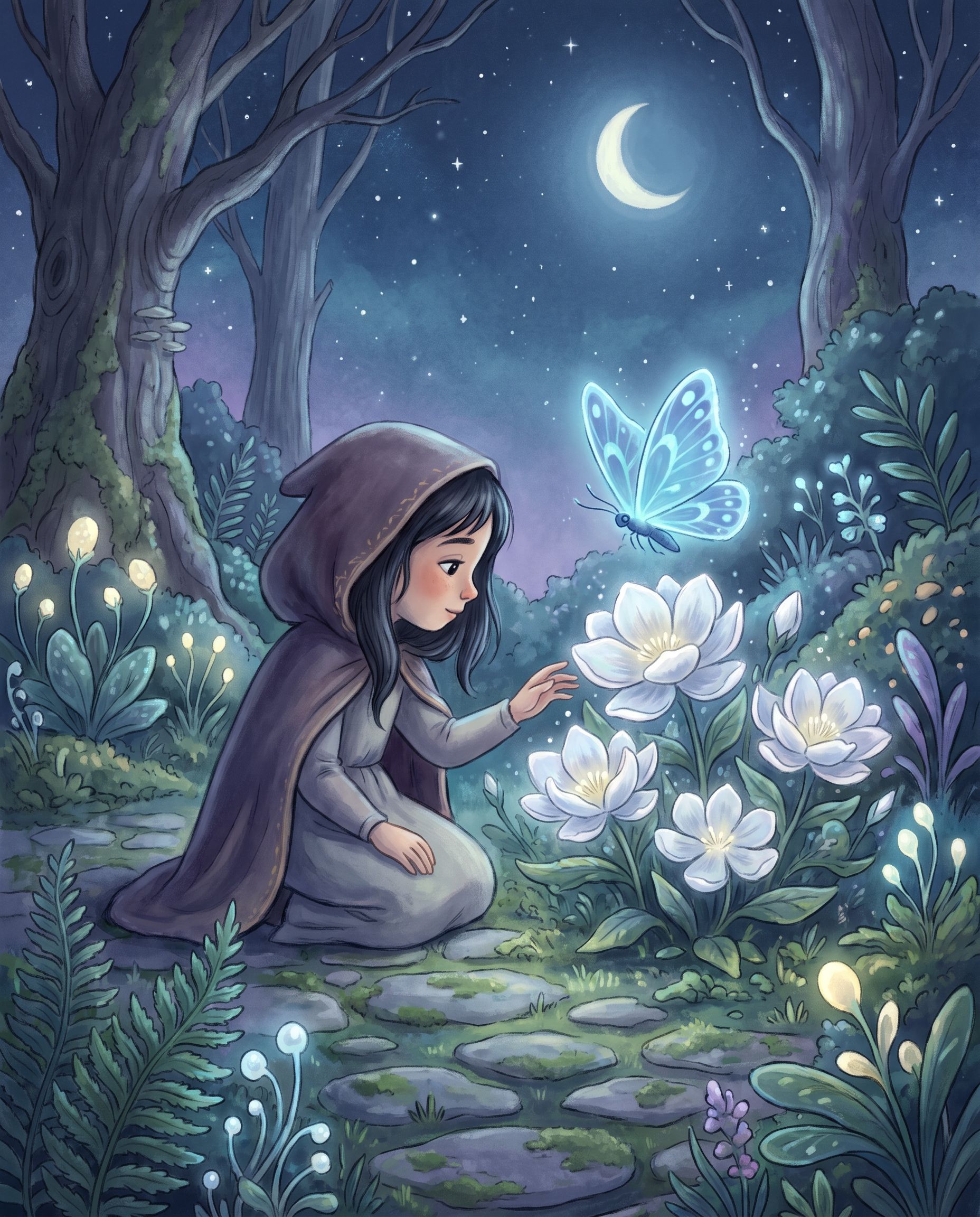
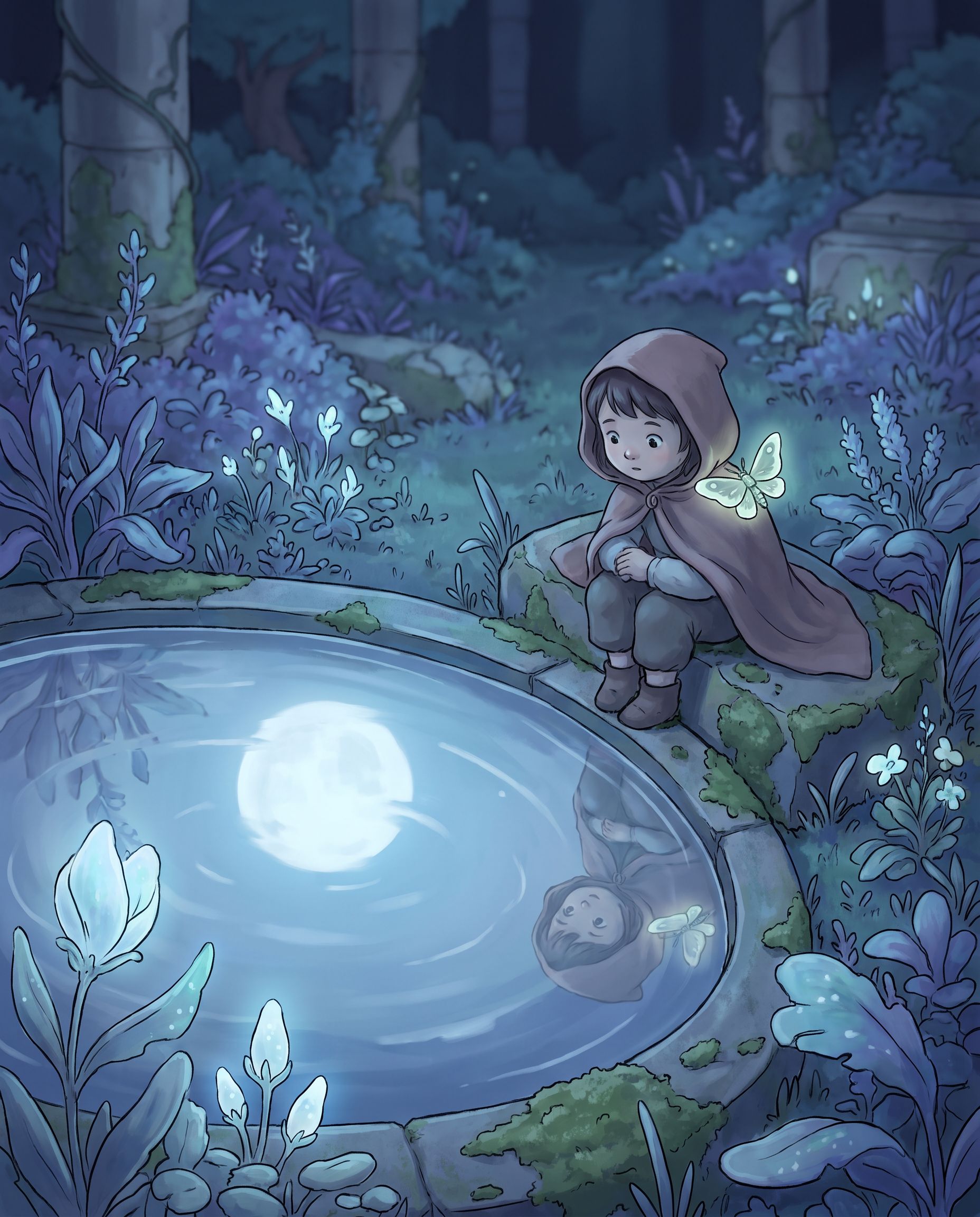
Spend the words on what must stay the same. Sets die from drift, not from a missing adjective. If you needed captions you can still rewrite, you wanted /carousel, not four rasters with baked-in type.
The event name is not locked yet
Monday’s drop also needs something on a wall. The visual can be loud. The words cannot be final. Dates move. Headlines get rewritten in Slack.
So you do not ask for a picture of a poster. You ask for a poster with a reserved field.
Design a bold night-market campaign visual with indigo paper texture, coral light trails, food-stall silhouettes, and a reserved cream copy field.
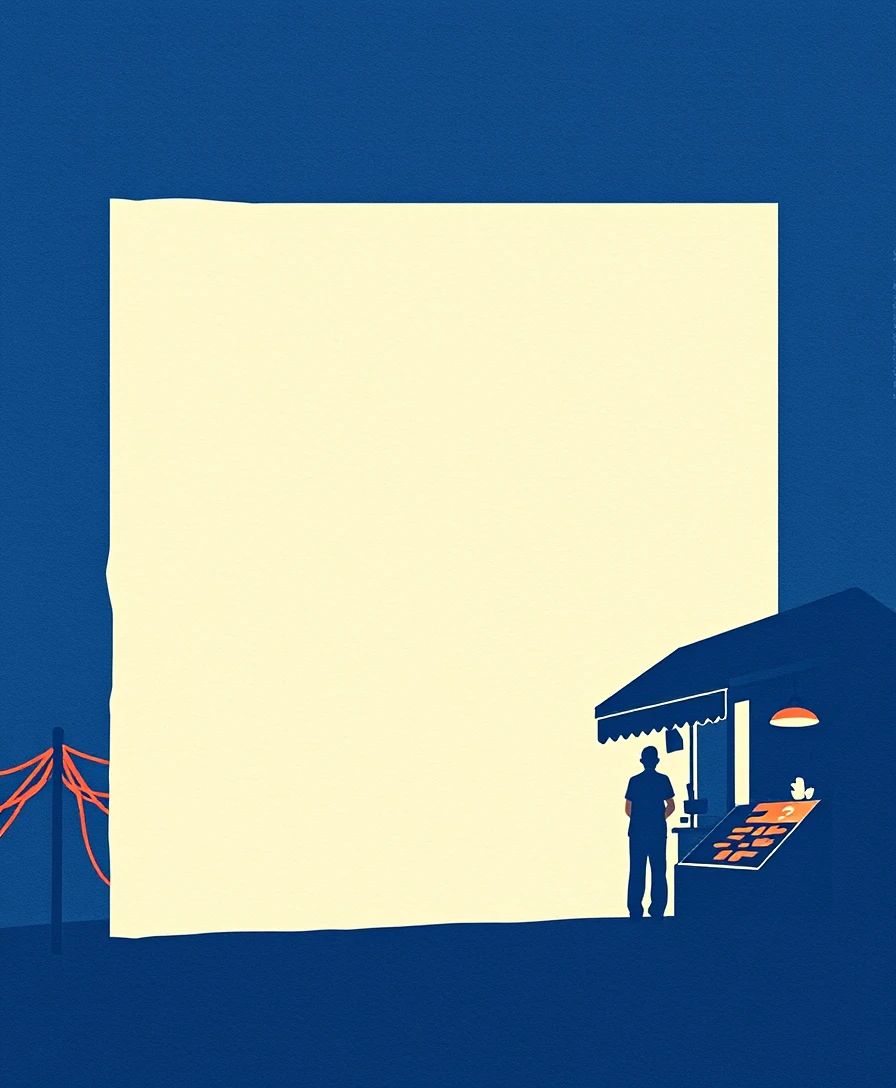
That empty field is the product. You will write the real event name in the Design Editor. If the model invents letters, you got a raster of marketing, not marketing you can still edit.
The same rule covers a flyer, a banner, a deck, a playbook:
Build a concise brand playbook for a modern outdoor brand with positioning, visual direction, campaign applications, and an export checklist.
A designed cover is not the document. /write is words. /presentation and /document stay files. Local-only means editable, not flattened.
What went wrong in the 3:40 p.m. version
People asked Promptha to guess the artifact. “Make it premium.” “Give me options.” “Like the last one, but for social.”
Guessing is how you get a still when you needed video, a picture of a flyer when you needed a flyer, a logo that nobody owns. AskGL refuses that guess by making you name the output first. There are eighteen live commands. You do not need all of them today. You need the one that matches Monday.
It is also not a Query by itself. A Query is this request after it worked, saved so Tuesday’s you does not retype it. Browse Queries when you want a proven start. Type a new one in Ask when the job is yours.
It is not a Space. A Space is a kit: several outputs that share the same sources. AskGL makes one result. Use a Space when the pack is the product. Do not treat a Space as a second Query page.
And it will not invent the facts you are not allowed to invent. Prices, addresses, citations, manuscript lines — those stay yours. The command shapes the output around them.
Leave with a file you can reuse
Write the request so another person can run it. Put the facts in the sentence, not in the chat memory. Name the constraints that protect the next edit: no readable text if the copy is still moving; no logos if the mark is not approved.
When it works, save it. That is the difference between a lucky prompt and a tool. How to use an AskGL Query is the school version of that handoff.
Then take the file somewhere it can finish:
- Pixels → Image Editor
- Type, layout, reserved fields → Design Editor
- One-off keep → Workspace
The public editor loop is the same after AskGL: describe the change, review the plan, apply or discard, keep editing.
If you want the map of all eighteen commands, that story is the command list. If today’s job is the shoe-versus-the-garden split, start with When to use /image instead of /images. If the file needs type, that is the Design Editor and poster, flyer, or banner.
Monday still needs the file. Open Ask and name it.
Frequently asked questions
Is AskGL a separate app?
No. You type an AskGL request in Ask. /askgl explains the language. The working surface is /ask.
Do I have to name a model?
No. Name a @promptha model when the route matters. Leave it out when you want Promptha to choose.
What is a Query?
A Query is a saved, reusable AskGL request. Open one when you want a proven starting point instead of typing the same ask again.
Does AskGL invent listing facts or citations?
No. Prices, addresses, citations, and manuscript text stay facts you supply. The command shapes the output. It does not invent the source.


