Natural request
Design a bold night-market campaign visualDescribe the result, subject, audience, style, and constraints in ordinary language.
AskGL turns a natural request into the right output, model route, and next creative step.
AskGL conversation
Hover over an output to see the request, then open it in Ask.
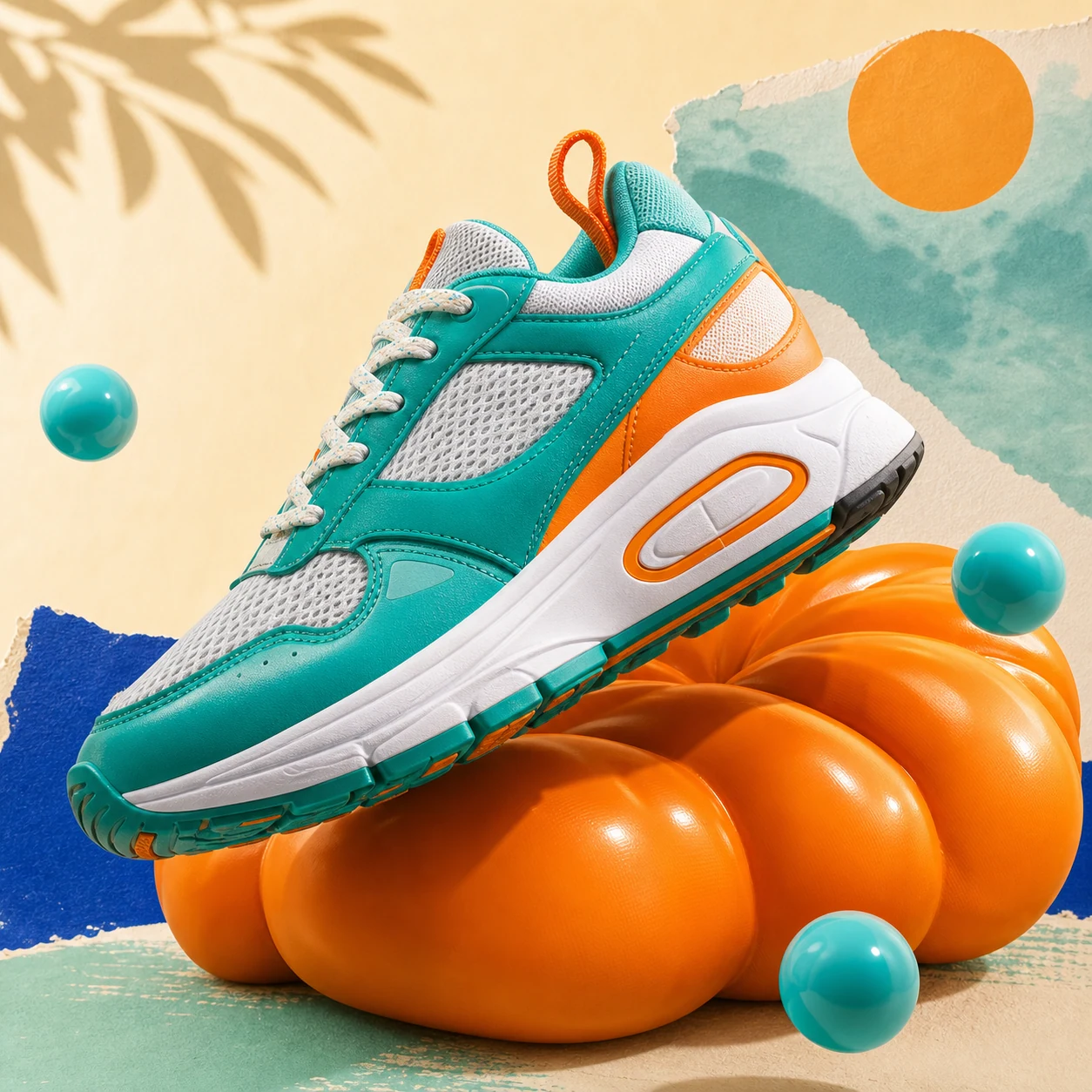
A polished campaign visual with a controlled format and model.
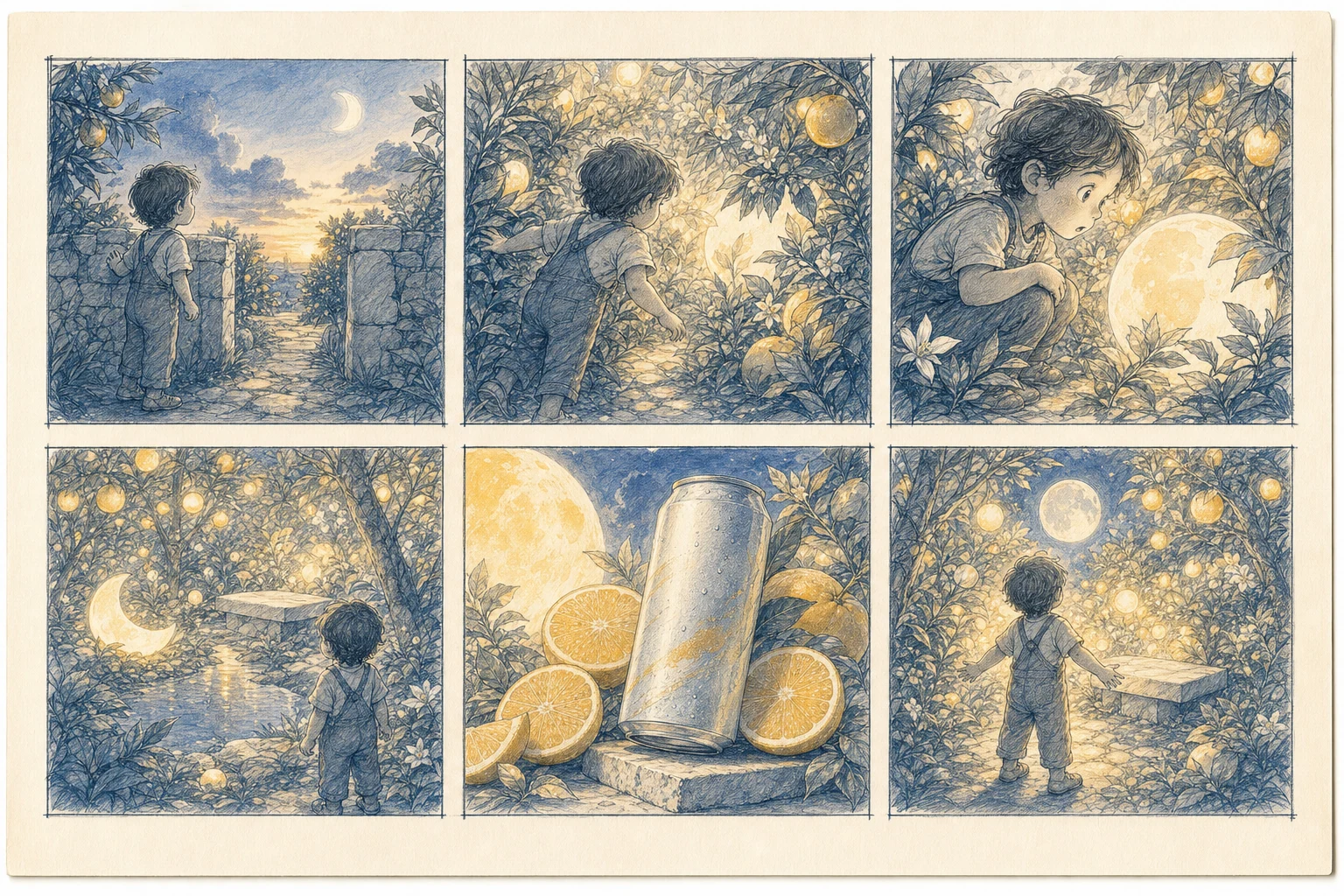
Four connected scenes with the same characters and world.
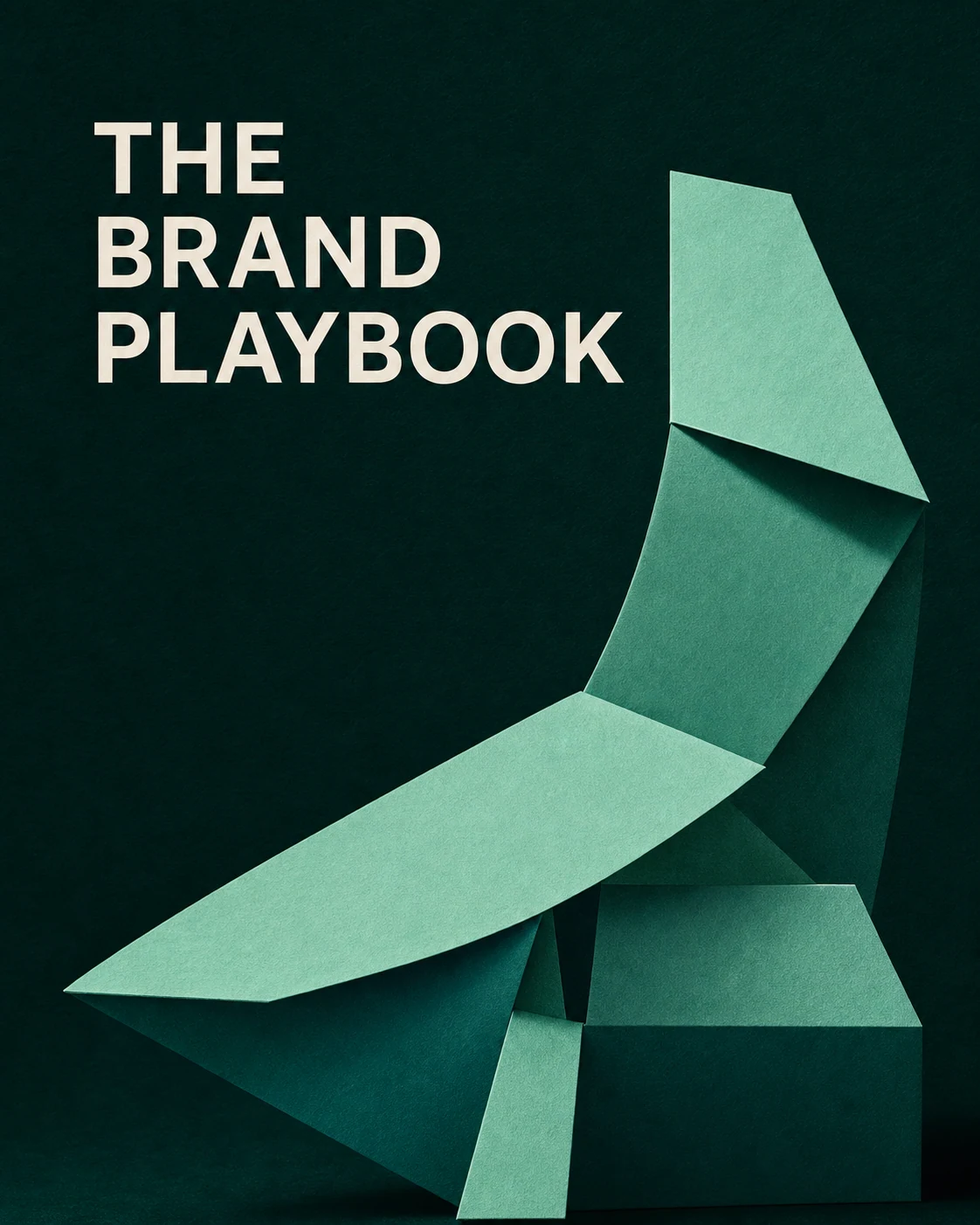
Turn positioning and visual direction into a reusable playbook.
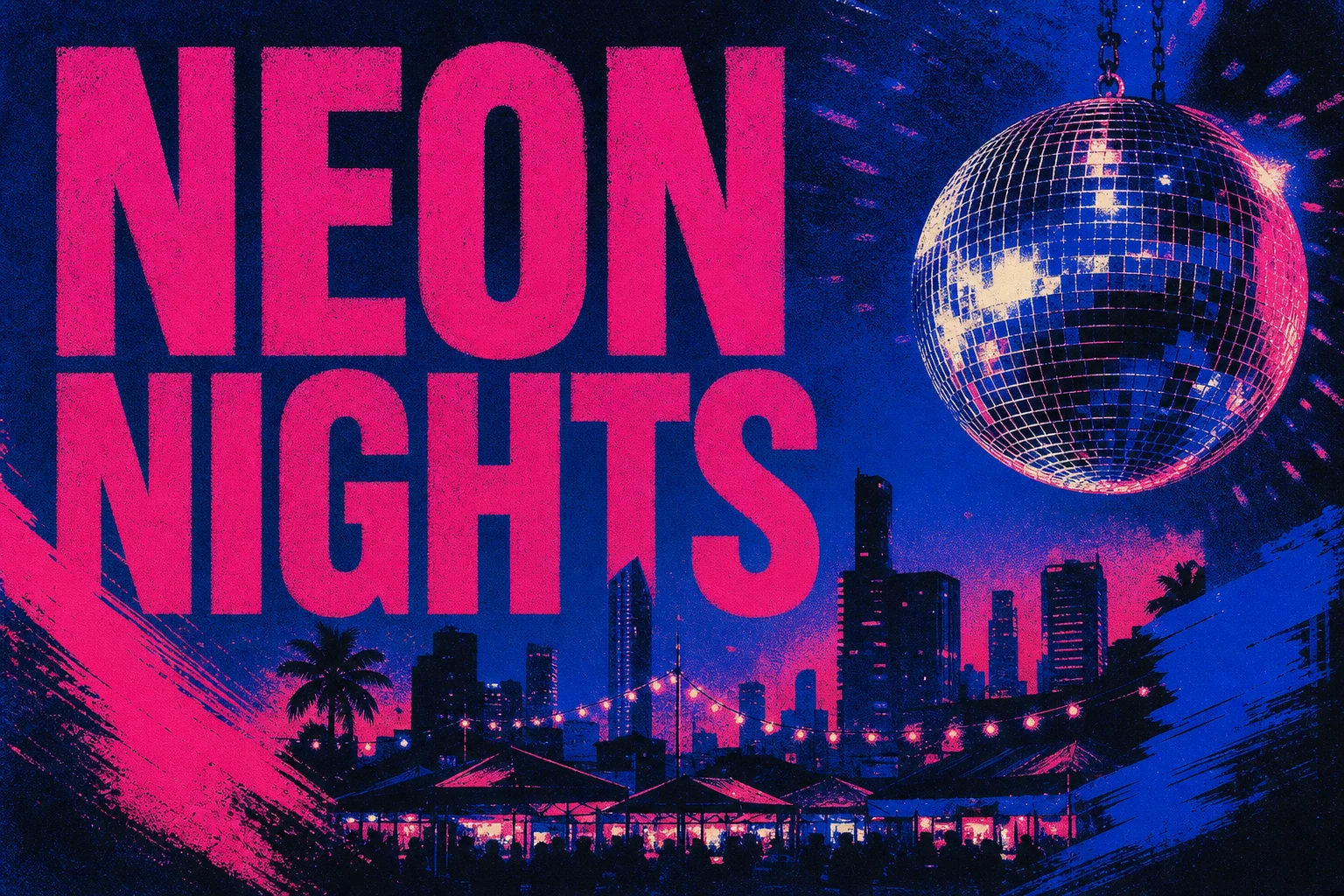
Set the format, art direction, and protected copy space.
Natural language does the work. Syntax adds only the control you need.
A plain request works. Add a command, model, or parameter when the output needs to be exact.
Read the AskGL syntaxDescribe the result, subject, audience, style, and constraints in ordinary language.
A slash command names the artifact, so AskGL returns the right output shape.
Name a supported model when it matters, or leave it out and let AskGL route the work.
Add only the controls the output needs, such as aspect ratio, duration, count, or quality.
AskGL is the request layer across creation, editing, saving, and export.
Describe the result in plain language.
Use an automatic model route or choose one.
Continue supported visual work in Design Studio.
Save, reopen, export, or share the finished work.
Let AskGL route automatically, or name a supported model when the model itself matters.