
Source image
sourceImageUrl · reference · requiredUpload or paste the image URL that Seedance should animate. This should be the first frame and continuity anchor.
Create A Cinematic Scene
Create A Cinematic Scene
Pick the result you want. Quick mode handles the production choices, while Standard and Pro remain available in the builder.
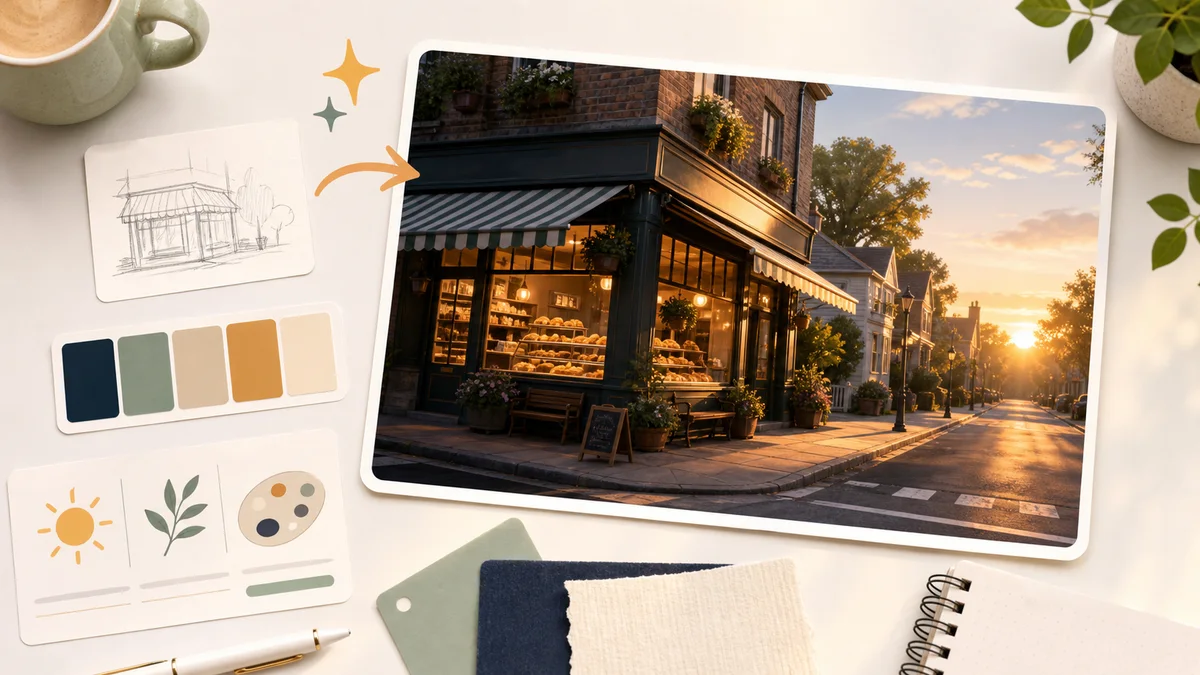 Real preview
Create the first reusable visual asset for a content system or guide.
6 credits · image
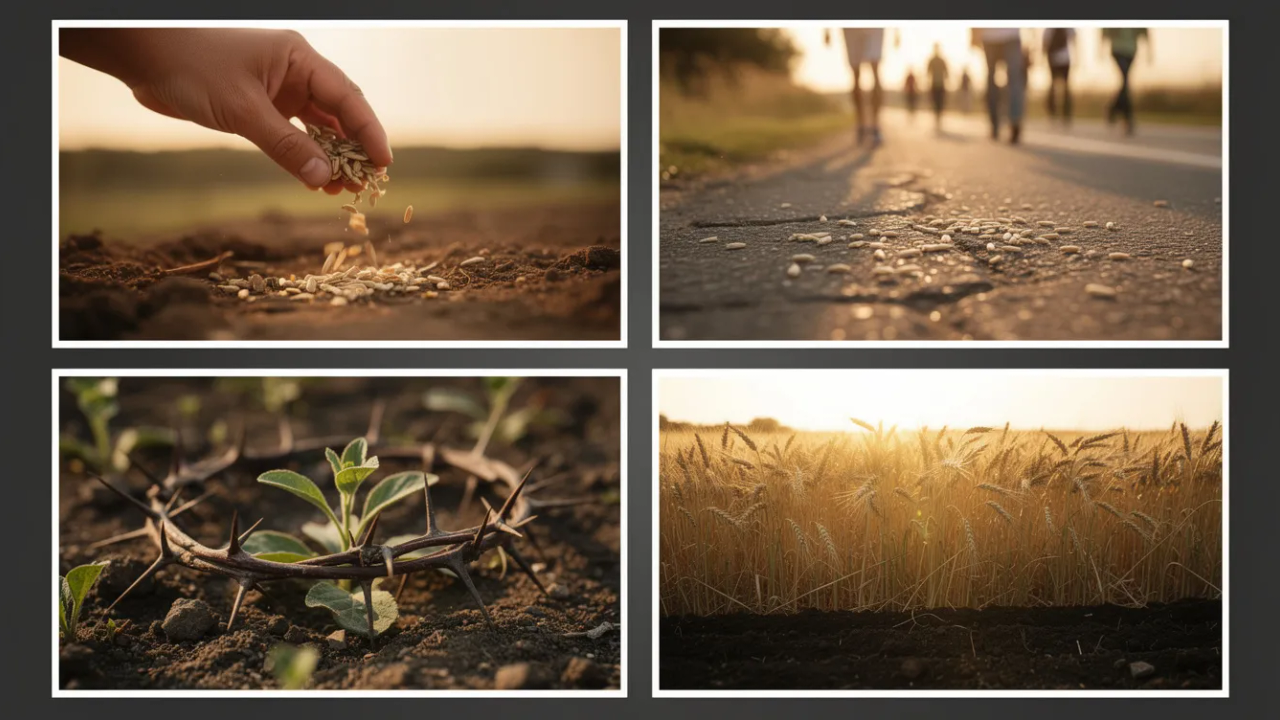 Real preview
Generate source-faithful images from a passage, script, lesson, sermon note, lore brief, or episode topic.
8 credits · image set
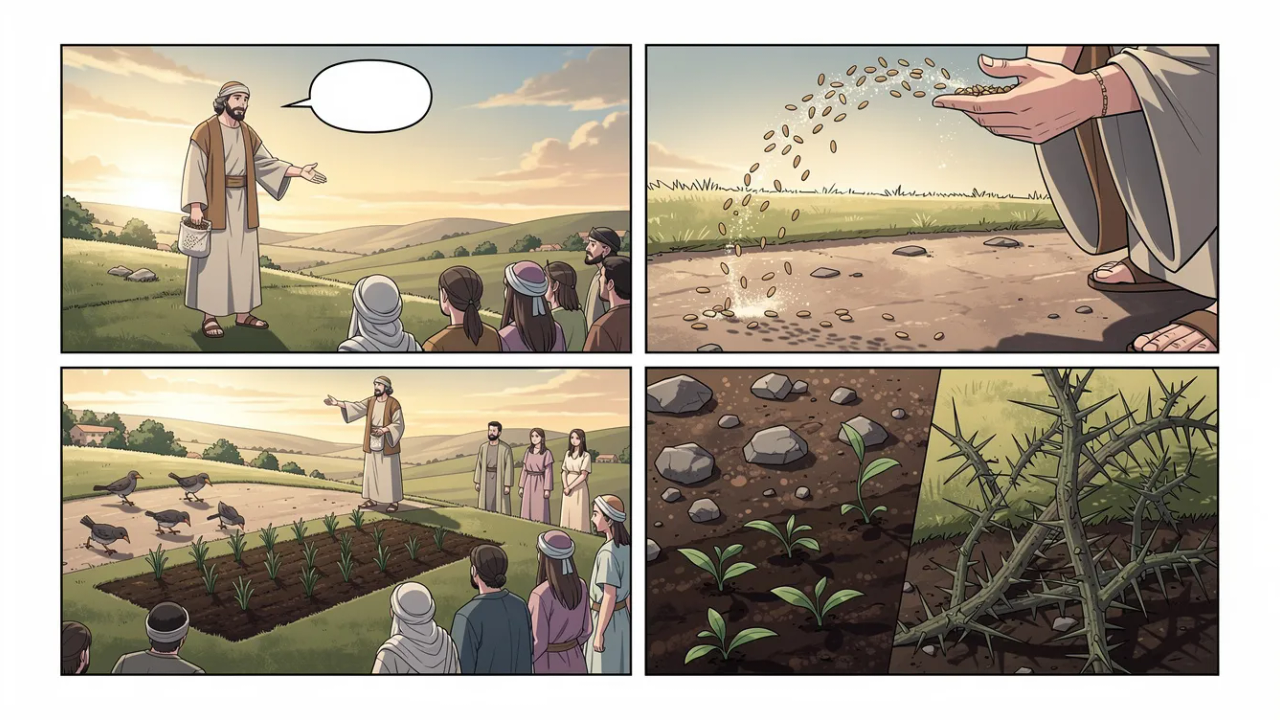 Real preview
Generate story panel images from a source, script, scene, or reference stack.
8 credits · image set
Real previewTurn a scene, script, lesson, or campaign idea into ordered storyboard images.
8 credits · image set
 Real preview
Animate one selected image into a clear Seedance 2.0 motion clip.
100 credits · video
 Real preview
Animate a selected image set into practical b-roll clips.
50 credits · video set
This is the production contract for the block: prompt, settings, model route, output shape, QA gates, storage, and guide compatibility.
Definition
Minimal Ux
Standalone Resolve
Guide Smoke
Media Artifacts
Upload or paste the image URL that Seedance should animate. This should be the first frame and continuity anchor.
Describe one clear action, camera movement, mood shift, or compact story beat.
Optional shot-by-shot direction. Include timing, camera, subject action, environment motion, transition, and ending-frame intent for each shot.
Optional details Seedance should preserve: face, product shape, wardrobe, location, lighting, color, framing, or props.
One generated short video clip that preserves the source image and follows the requested motion direction.
How long the generated clip should be. Default: 9.
How Seedance 2.0 should divide the render into directed beats. Default: single-shot.
The main camera movement for the shot. Default: slow-push-in.
Advanced: target frame shape. Match source when unsure. Default: 16:9.
Advanced: how much movement Seedance should introduce. Default: controlled.
Advanced: how the shot should land. Default: clean-hold.
Advanced: extra artifacts to avoid. Default: No fake text, no logos, no watermarks, no identity drift, no face deformation, no duplicate people, no warped products, no chaotic camera shake..
Seedance 2.0 image-to-video scenes with shot structure, multimodal references, subject preservation, native audio-aware direction, and cinematic camera control.
Routes through Promptha video generation with the source image URL passed as the image-to-video input.
Creative DB references can guide motion mood, color treatment, and visual continuity.
The block must receive a source image URL before video generation.
The block must return one video URL for seedanceSceneVideo.
The generated video should preserve the source subject, scene, and visual style.
The final frame should be stable enough for downstream guide composition or another shot.
Seedance 2.0 prompts should state shot count, timing, and per-shot direction before the visual detail.
Receives from
visualSeedImage -> sourceImageUrl
Use the generated visual seed image as the source frame for Seedance motion.
Run state key: nodes.seedanceSceneVideo. Saved output kind: video.
One short Seedance image-to-video clip that preserves the field source frame and adds controlled cinematic motion.