PRODUCT PHOTOGRAPHY / RECIPE 001
A reference.
Your direction.
Your product.
Choose visual qualities, save a reusable direction, review one product-photo request, and turn a selected image into an editable product card.
Start the guided journey ↗Sign in to save your work. Review generation costs before running.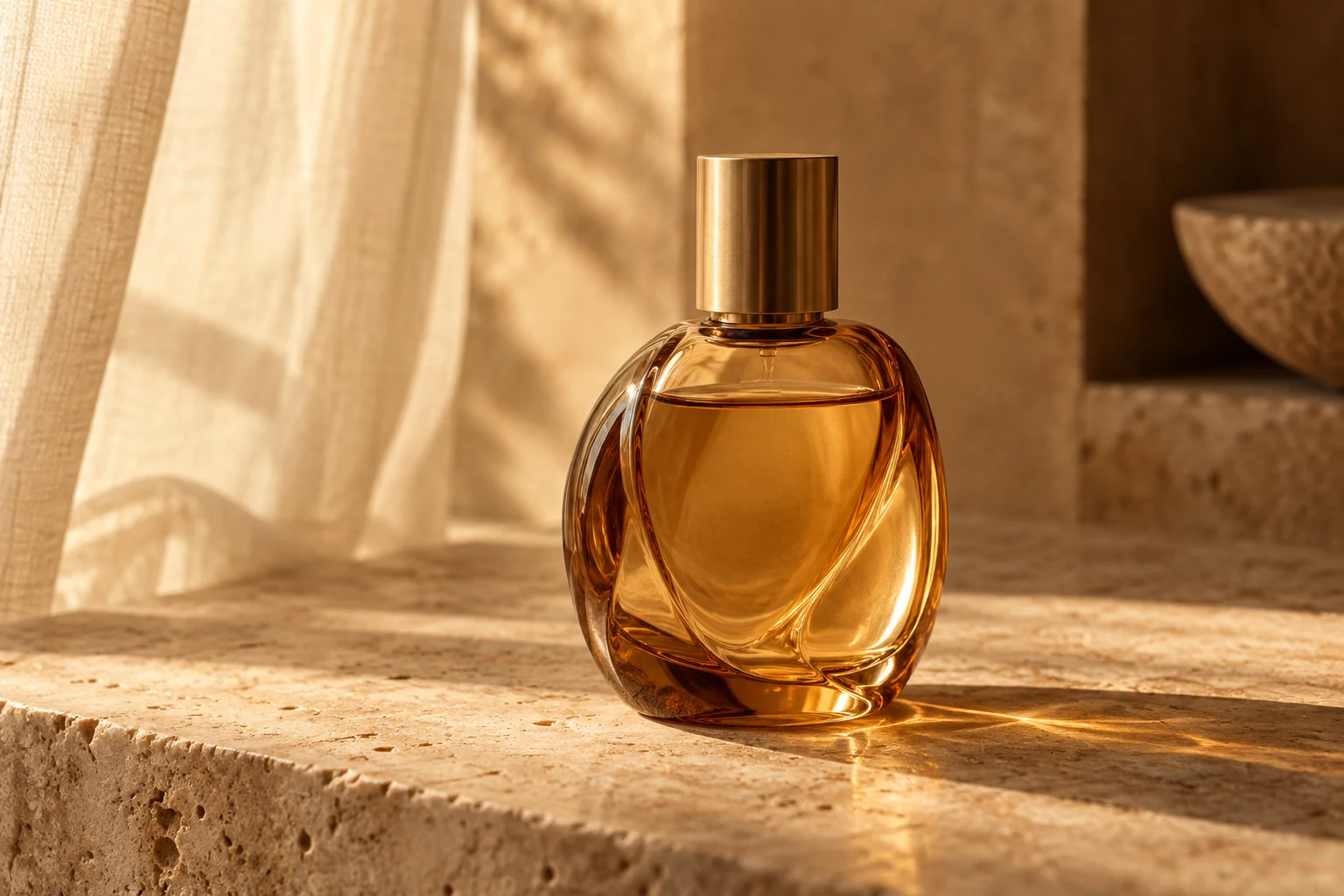
Borrow the light.
Keep your subject.
Start in the Visual Index, or load a saved Taste Profile. Choose useful qualities such as soft side light, tactile material and breathing room. Leave out source lettering and unrelated objects.
The guided page saves your confirmed direction privately in Library. You can edit an owned product image or create an illustrative product from a description.
From photo to editable card.
- Find a reference and confirm its qualities.
- Save a named direction or reuse a Taste Profile.
- Review a compatible portrait photo request in Chat.
- Choose an exact saved image.
- Fill native headline, copy and CTA layers, then reopen in Studio.
Image quality and product details can vary. Inspect shape and labels. Existing saved images can be used without buying a new generation.
The starting brief
Create an editorial product photograph of your described product. Place the product on a tactile cream surface with a quiet background. Use the selected reference qualities as guidance, while keeping the product as the subject. Show the complete product with natural reflections and a clear contact shadow. Leave breathing room for a headline. Do not introduce source logos or lettering. Inspect product shape and any existing label after generation.
/image @model:flux-2-klein-4b aspect:4:5 count:1Reference qualities travel with the reviewed request as text guidance. Source-based editing uses a compatible editing model and an authorized image.
Make it yours ↗