
Public walkthrough
Ebook Covers and Chapter Art
Safe replay of the grouped run story, with sensitive internals redacted and the final deliverable kept front and center.
Success rate
100%
5/5 completed
Actual cost
5 credits
$1.75
Started
3d ago
March 27, 2026
Workflow
Poster
Static Canvas
Public provenance
- Flow
- Ebook Covers and Chapter Art
- Workflow
- Poster
- Runtime
- Static Canvas
- Billing
- per-run
- Estimated cost
- 25 credits
Run this workflow
Open the flow detail page to review pricing, metadata, and start your own run.
Go to flowPublic composer run
A public-safe composer walkthrough of the grouped stages and outputs generated by this run.
Stage 1 output
Editorial brief
- Title
- Editorial brief
- Description
- Capture the editorial promise, audience, and tone that the publishing assets should deliver.
- Caption
- A cover-plus-chapter-art package with reusable editorial spreads, chapter openers, and quote inserts. Give one book concept a polished visual world that can stretch from the cover ...
- Content
- Ebook Covers and Chapter Art • Editorial brief Project: Wellness guide art pack Deliverable: A cover-plus-chapter-art package with reusable editorial spreads, chapter openers, and ...
Thinking brief core6 controlsschema-text-editorImplementation editor contract
Editable text fields
title, headline, summary, description, caption, content, text, notes
Asset editors
No asset editors registered
1Editorial brief
successTextCapture the editorial promise, audience, and tone that the publishing assets should deliver.
Creative DirectionBrieflocal / local-static-outline1 creditsannouncement-postEditorial briefTransferred from previous stage
This stage establishes the opening direction and starting context for the run.
Input
Idea
Output
Story Brief
Execution details
Stage source
announcement-post
Recorded template
Editorial brief
Why this stage is in the flow
Capture the editorial promise, audience, and tone that the publishing assets should deliver.
The output above becomes the handoff for the next grouped stage in the walkthrough.
Stage 2 output
Style direction board
- Title
- Style direction board
- Description
- Set the tone, style references, and world-building direction for the art pack.
- Caption
- Direction anchor: Sets the visual north star and reference quality bar for the whole pack. 1 reusable frame for Wellness guide art pack.
- Content
- Highlights Wellness guide art pack. Editable focus: title lockup, subtitle or chapter name, quote insert. Visual cues: editorial contrast, spine-like vertical rhythm, chapter opene...
Generation vector poster5 controlsvector-asset-editorImplementation editor contract
Editable text fields
Generic output text fields
Asset editors
vector layer editor, text zone editor
2Style direction board
successImageSet the tone, style references, and world-building direction for the art pack.
Creative DirectionDirectionlocal / local-static-svg1 creditsbrand-moodboardStyle direction boardTransferred from previous stage
Editorial briefStyle direction boardStory Brief -> Story Brief
Input
Story Brief
Output
Moodboard
Execution details
Stage source
brand-moodboard
Recorded template
Style direction board
Why this stage is in the flow
Set the tone, style references, and world-building direction for the art pack.
The output above becomes the handoff for the next grouped stage in the walkthrough.
Stage 3 output
Cover + chapter art set
Frames
5 visible frames
Open or refine any panel
Frame 1
OpenheroRegen readyFront cover
Clear title zone, strong mood, and premium editorial framing. Keep title lockup and subtitle or chapter name flexible for downstream edits. Slot 1 of 5. Signal: editorial contrast.
Item ID: cover-front
Frame 2
OpenvariantRegen readyChapter opener 01
Establish the first key theme or emotional promise. Keep title lockup and subtitle or chapter name flexible for downstream edits. Slot 2 of 5. Signal: spine-like vertical rhythm.
Item ID: chapter-1
Frame 3
OpenvariantRegen readyChapter opener 02
Shift the scene while staying inside the same world and palette. Keep title lockup and subtitle or chapter name flexible for downstream edits. Slot 3 of 5. Signal: chapter opener…
Item ID: chapter-2
Frame 4
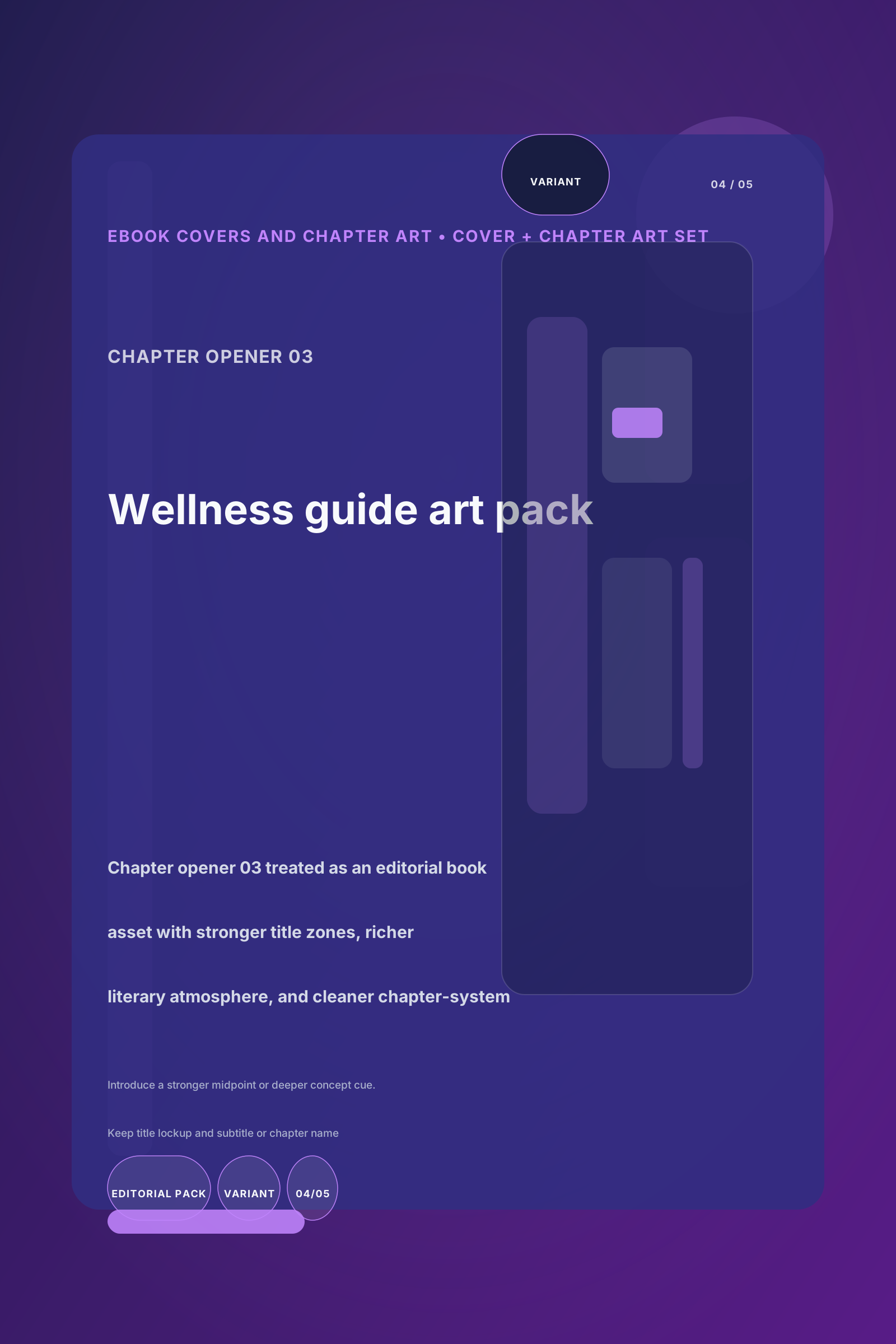
OpenvariantRegen readyChapter opener 03
Introduce a stronger midpoint or deeper concept cue. Keep title lockup and subtitle or chapter name flexible for downstream edits. Slot 4 of 5. Signal: literary mood.
Item ID: chapter-3
Frame 5
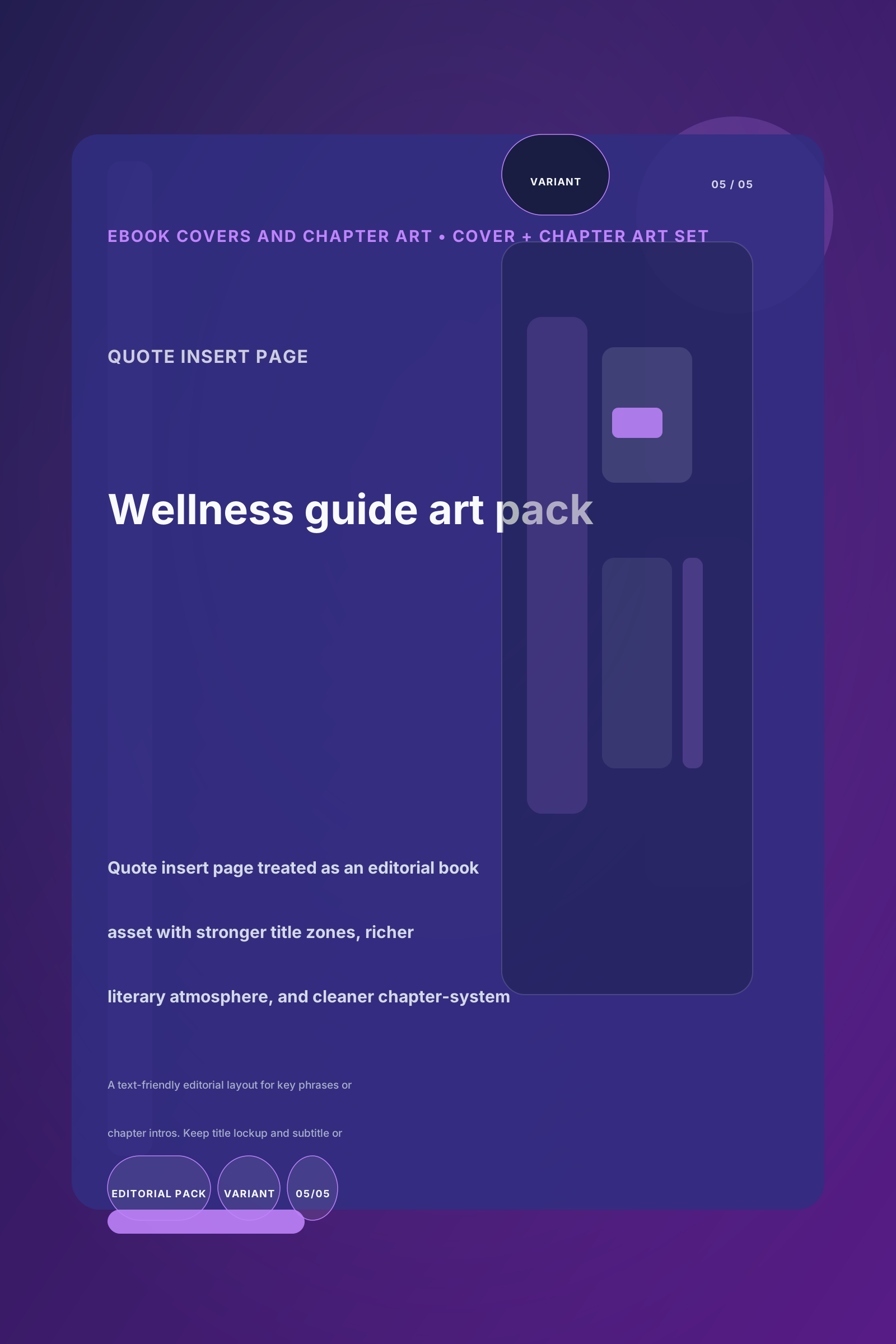
OpenvariantRegen readyQuote insert page
A text-friendly editorial layout for key phrases or chapter intros. Keep title lockup and subtitle or chapter name flexible for downstream edits. Slot 5 of 5. Signal: editorial co…
Item ID: quote-insert
- Frames
- 5 regenerable items
- Title
- Cover + chapter art set
- Description
- Generate the core cover and chapter illustration set for the editorial package.
- Caption
- Asset pack: Introduces the first premium concept batch with reusable angles and stronger visual differentiation. 5 reusable frames for Wellness guide art pack.
Generation image poster5 controlsimage-variant-editorImplementation editor contract
Editable text fields
Generic output text fields
Asset editors
image/text zone editor
- Frames
- 5 visible frames
- Preview mode
- Rendered as a regenerable multi-frame batch
3Cover + chapter art set
successPresentationGenerate the core cover and chapter illustration set for the editorial package.
Chapter PlanAsset Generationlocal / local-static-svg1 creditsai-book-coverCover + chapter art setTransferred from previous stage
Style direction boardCover + chapter art setMoodboard -> Story Brief, Moodboard
Input
Story Brief, Moodboard
Output
Image Pack
Execution details
Stage source
ai-book-cover
Recorded template
Cover + chapter art set
Why this stage is in the flow
Generate the core cover and chapter illustration set for the editorial package.
The output above becomes the handoff for the next grouped stage in the walkthrough.
Stage 4 output
Editorial spread layout
Frames
5 visible frames
Open or refine any panel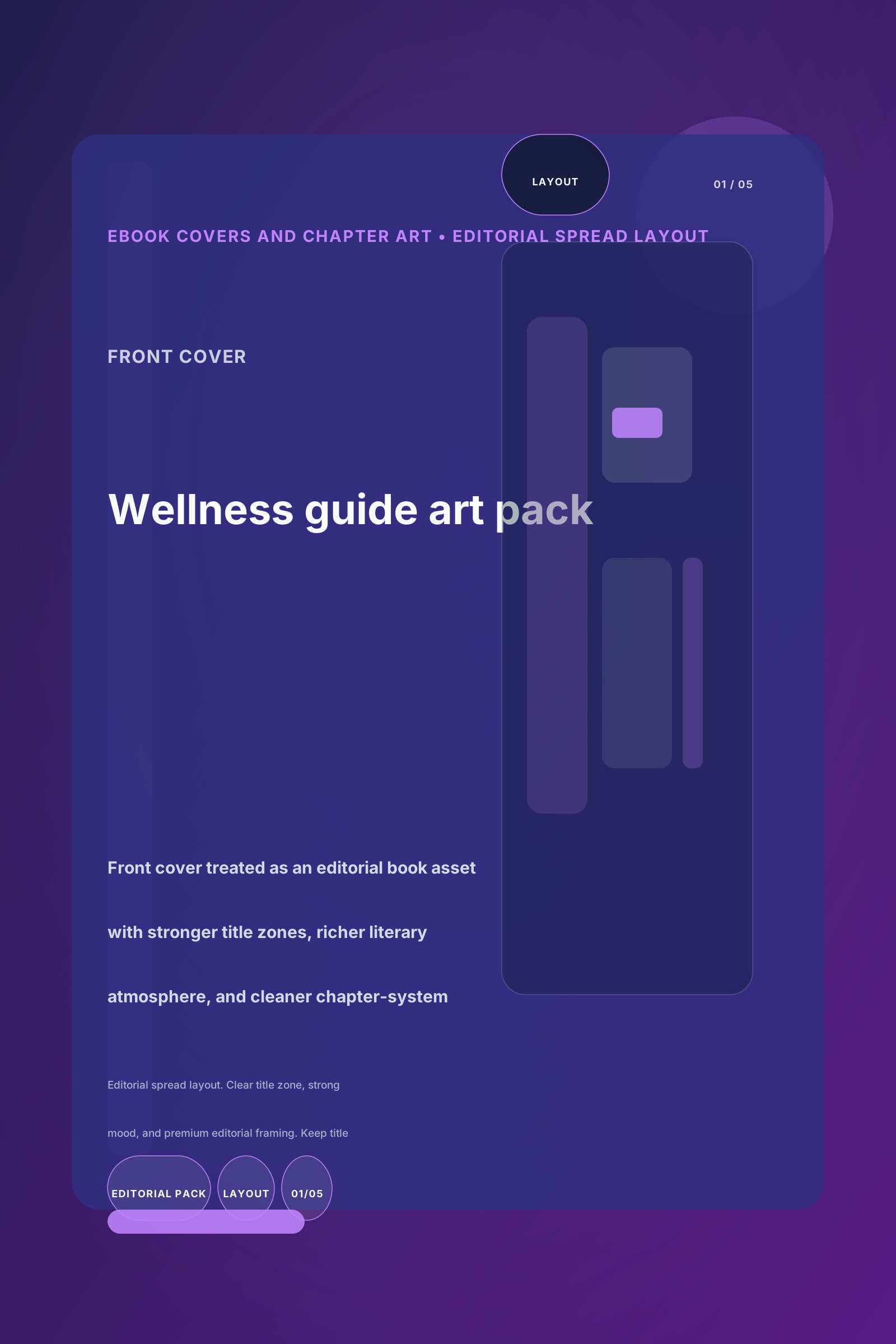
Frame 1
OpenlayoutRegen readyFront cover
Editorial spread layout. Clear title zone, strong mood, and premium editorial framing. Keep title lockup and subtitle or chapter name flexible for downstream edits. Slot 1 of 5. S…
Item ID: cover-front
Frame 2
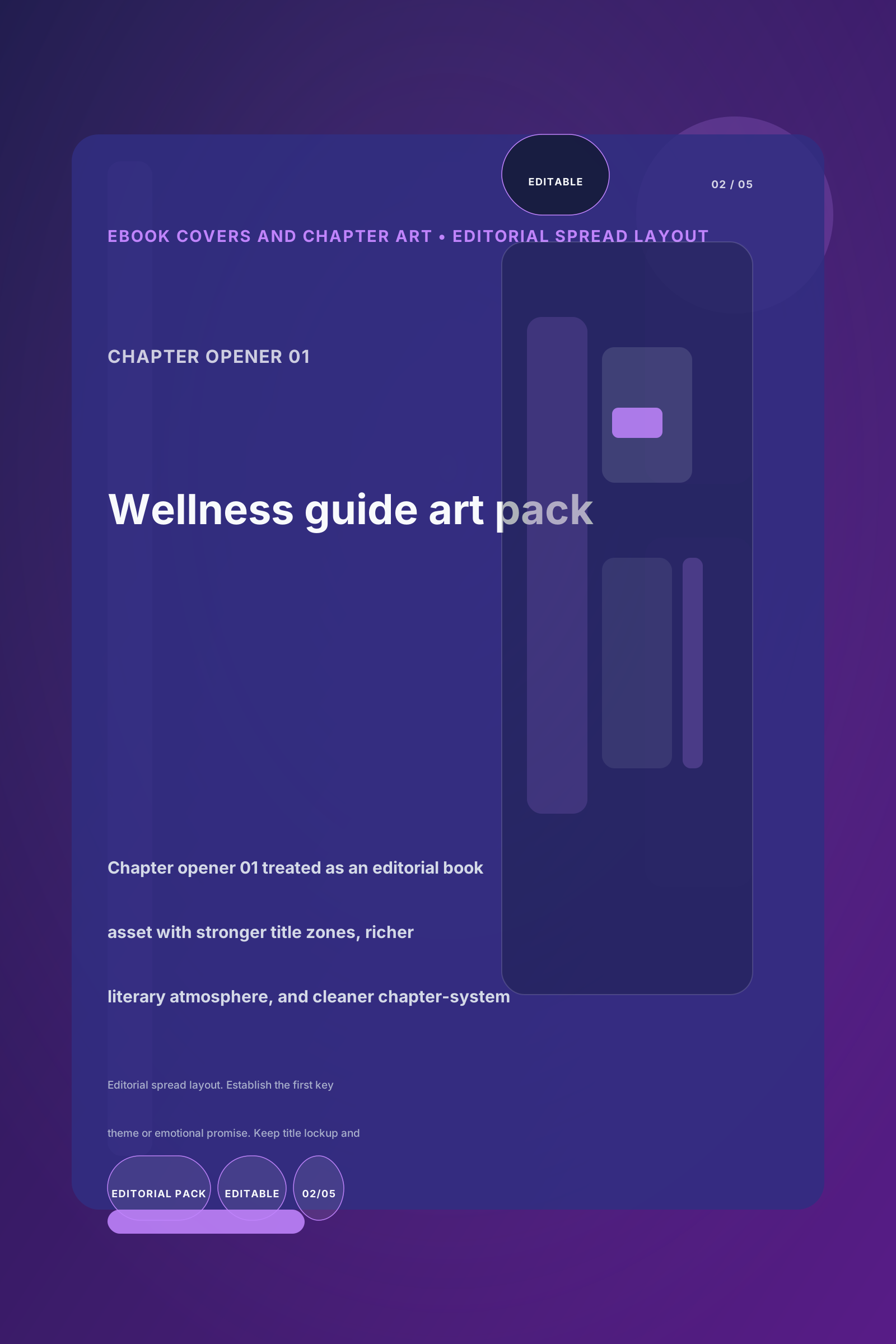
OpeneditableRegen readyChapter opener 01
Editorial spread layout. Establish the first key theme or emotional promise. Keep title lockup and subtitle or chapter name flexible for downstream edits. Slot 2 of 5. Signal: spi…
Item ID: chapter-1
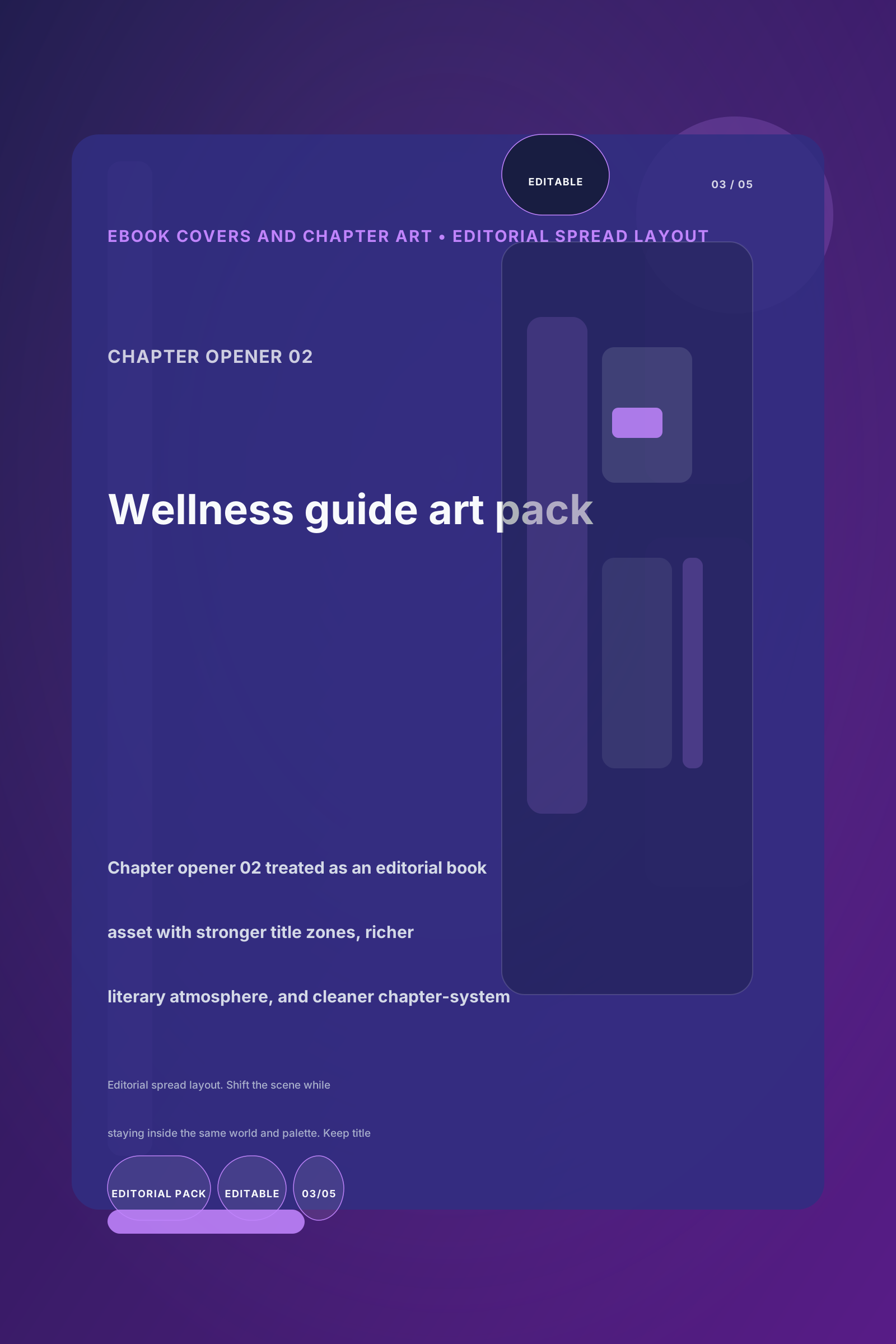
Frame 3
OpeneditableRegen readyChapter opener 02
Editorial spread layout. Shift the scene while staying inside the same world and palette. Keep title lockup and subtitle or chapter name flexible for downstream edits. Slot 3 of 5…
Item ID: chapter-2
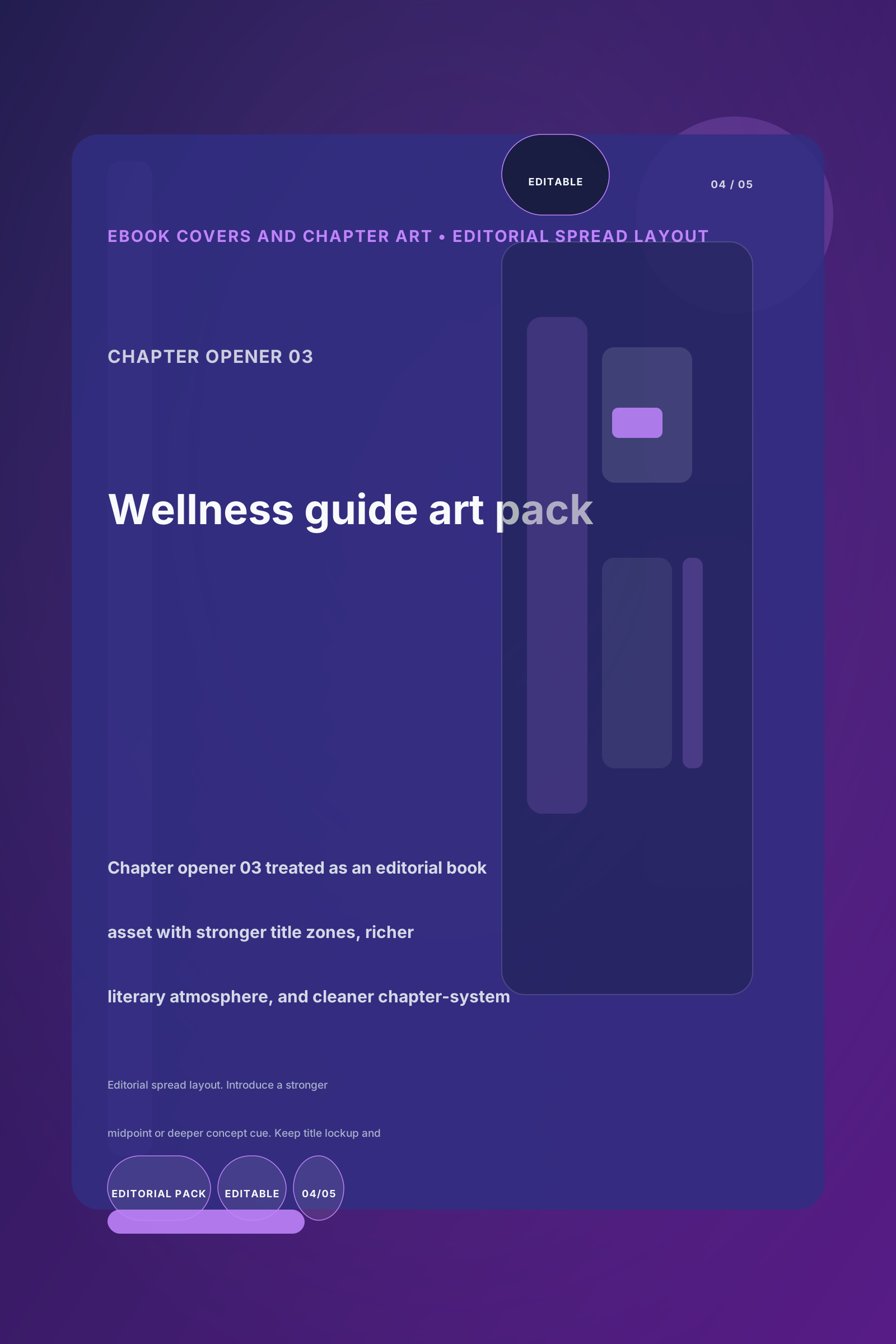
Frame 4
OpeneditableRegen readyChapter opener 03
Editorial spread layout. Introduce a stronger midpoint or deeper concept cue. Keep title lockup and subtitle or chapter name flexible for downstream edits. Slot 4 of 5. Signal: li…
Item ID: chapter-3
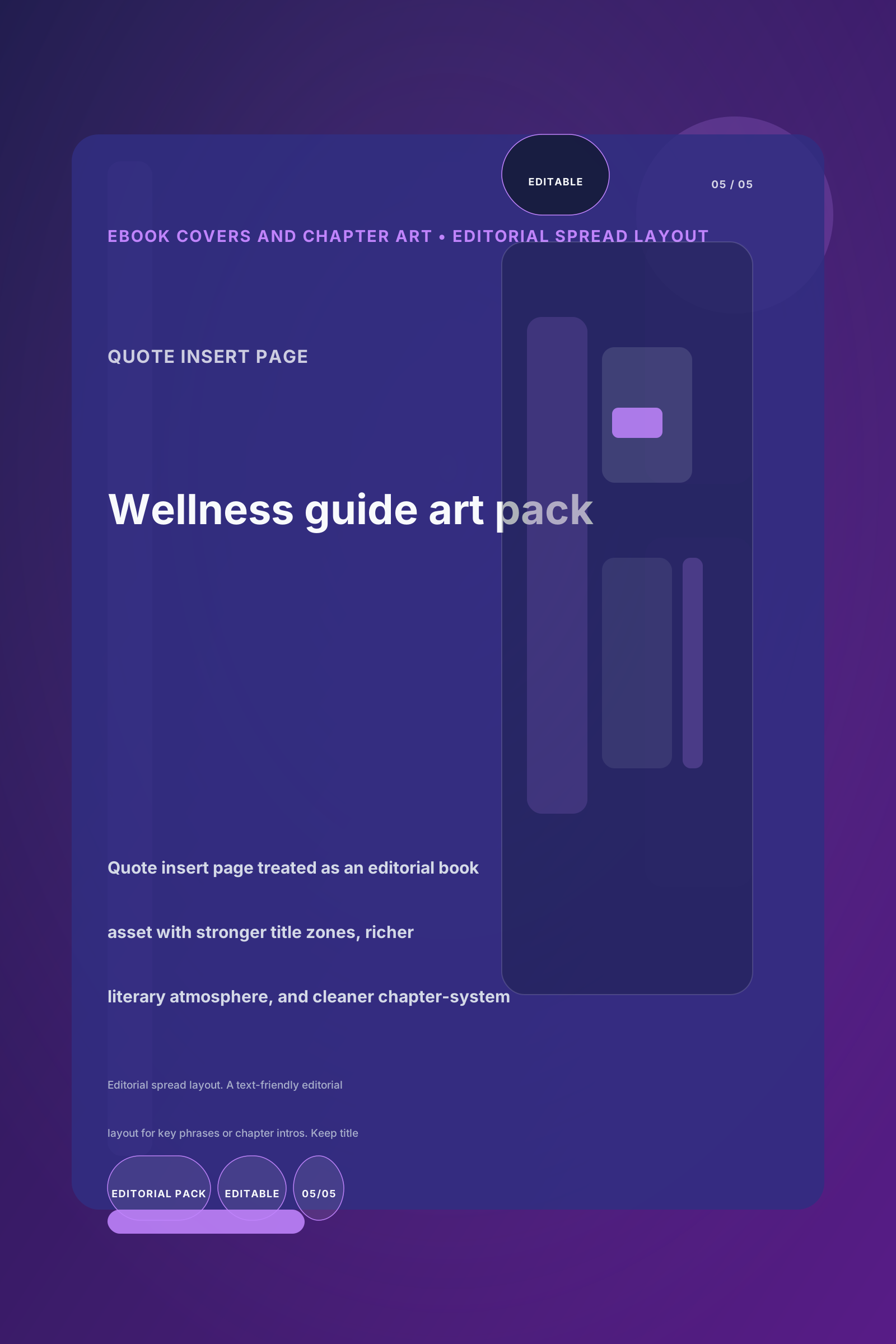
Frame 5
OpeneditableRegen readyQuote insert page
Editorial spread layout. A text-friendly editorial layout for key phrases or chapter intros. Keep title lockup and subtitle or chapter name flexible for downstream edits. Slot 5 o…
Item ID: quote-insert
- Frames
- 5 regenerable items
- Title
- Editorial spread layout
- Description
- Turn the art set into reusable spreads, inserts, and mobile-friendly editorial compositions.
- Caption
- Layout-ready pack: Turns the strongest concepts into more editable, hierarchy-aware compositions. 5 reusable frames for Wellness guide art pack.
Composition document document pack6 controlsdocument-layout-editorImplementation editor contract
Editable text fields
title, headline, summary, description, caption, content, text, notes
Asset editors
page layout editor, block editor, asset placement editor
- Frames
- 5 visible frames
- Preview mode
- Rendered as a regenerable multi-frame batch
4Editorial spread layout
successPresentationTurn the art set into reusable spreads, inserts, and mobile-friendly editorial compositions.
Chapter PlanLayout Compositionlocal / local-static-svg1 creditsai-poster-creatorEditorial spread layoutTransferred from previous stage
Cover + chapter art setEditorial spread layoutImage Pack -> Image Pack
Input
Image Pack
Output
Slides
Execution details
Stage source
ai-poster-creator
Recorded template
Editorial spread layout
Why this stage is in the flow
Turn the art set into reusable spreads, inserts, and mobile-friendly editorial compositions.
The output above becomes the handoff for the next grouped stage in the walkthrough.
Stage 5 output
Final editorial export
Slides
5 visible slides
Open or refine any panel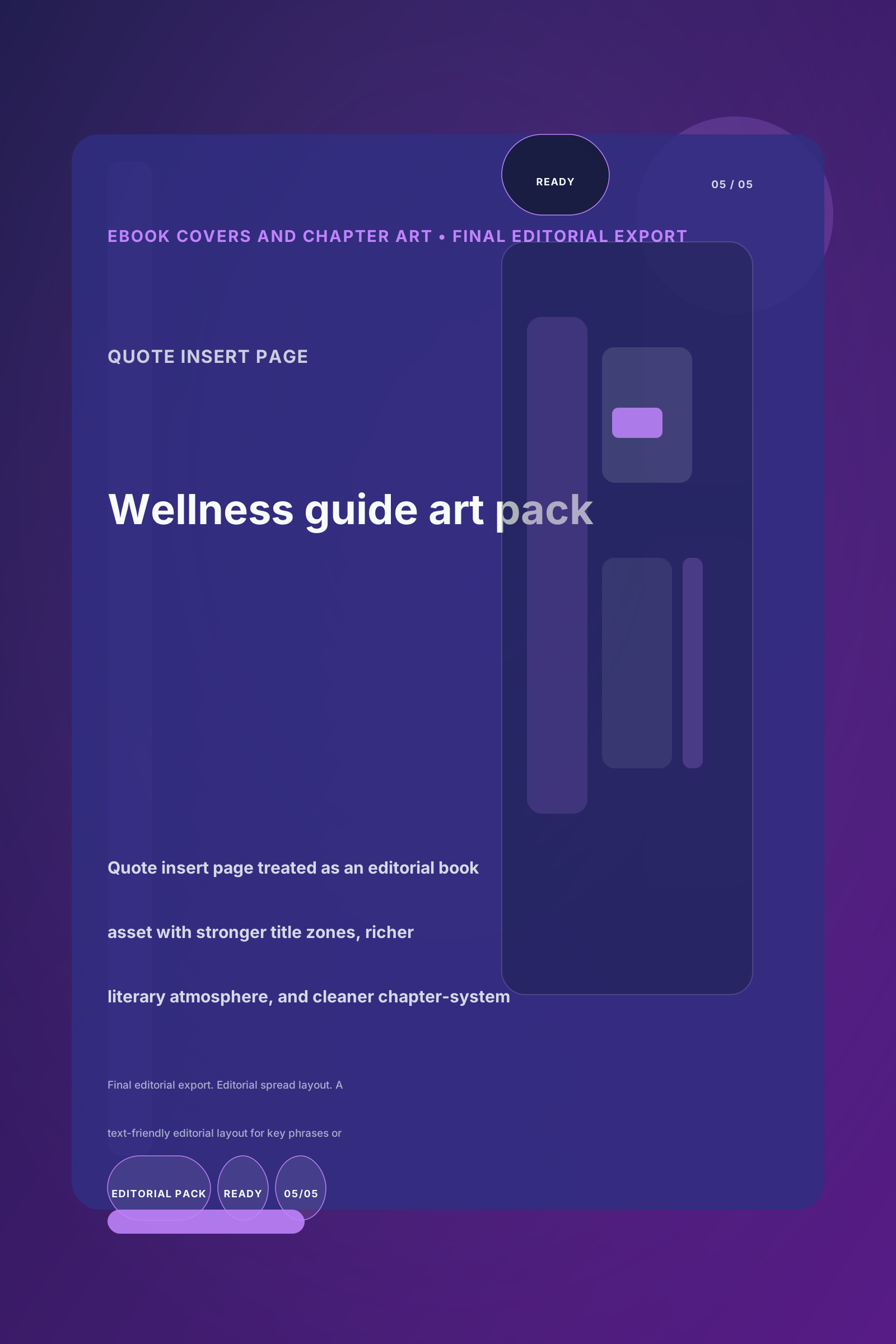
Slide 1
OpenreadyRegen readyFront cover
Final editorial export. Editorial spread layout. Clear title zone, strong mood, and premium editorial framing. Keep title lockup and subtitle or chapter name flexible for downstre…
Item ID: cover-front
Slide 2
OpenreadyRegen readyChapter opener 01
Final editorial export. Editorial spread layout. Establish the first key theme or emotional promise. Keep title lockup and subtitle or chapter name flexible for downstream edits.…
Item ID: chapter-1
Slide 3
OpenreadyRegen readyChapter opener 02
Final editorial export. Editorial spread layout. Shift the scene while staying inside the same world and palette. Keep title lockup and subtitle or chapter name flexible for downs…
Item ID: chapter-2
Slide 4
OpenreadyRegen readyChapter opener 03
Final editorial export. Editorial spread layout. Introduce a stronger midpoint or deeper concept cue. Keep title lockup and subtitle or chapter name flexible for downstream edits.…
Item ID: chapter-3
Slide 5
OpenreadyRegen readyQuote insert page
Final editorial export. Editorial spread layout. A text-friendly editorial layout for key phrases or chapter intros. Keep title lockup and subtitle or chapter name flexible for do…
Item ID: quote-insert
- Frames
- 5 regenerable items
- Title
- Final editorial export
- Description
- Package the cover and chapter visuals into a final reusable editorial delivery set.
- Caption
- Final delivery pack: Packages the strongest polished deliverables into a cleaner final-ready output set. 5 reusable frames for Wellness guide art pack.
Export document document pdf6 controlsdocument-export-settingsImplementation editor contract
Editable text fields
title, summary, description, notes
Asset editors
deliverable selector
- Slides
- 5 visible frames
- Preview mode
- Rendered as an assembled multi-frame output
5Final editorial export
successPresentationFinal deliverablePackage the cover and chapter visuals into a final reusable editorial delivery set.
Final OutputExportlocal / local-static-svg1 creditsdocument--visual-slidesFinal editorial exportTransferred from previous stage
Editorial spread layoutFinal editorial exportSlides -> Slides
Input
Slides
Output
Presentation
Execution details
Stage source
document--visual-slides
Recorded template
Final editorial export
Why this stage is in the flow
Package the cover and chapter visuals into a final reusable editorial delivery set.
This closing stage packages the approved handoff into the shareable asset shown alongside the stage context.